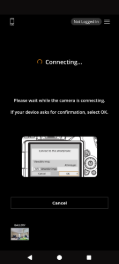
Follow these steps to reconnect to your R50 pro kit.
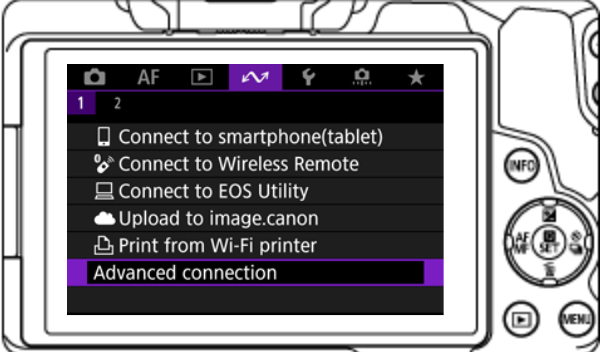
1) Go in the WI-FI menu and then select Advanced connection.
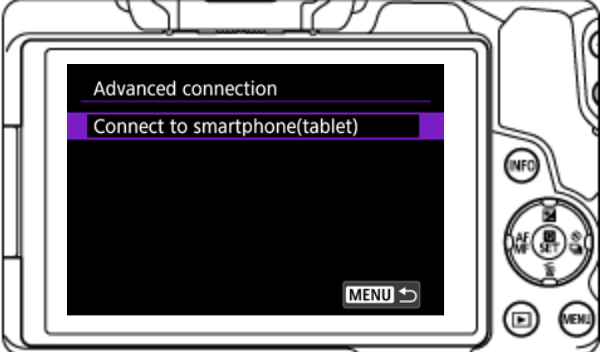
2) In the Advanced connection menu, select Connect to smartphone (tablet).
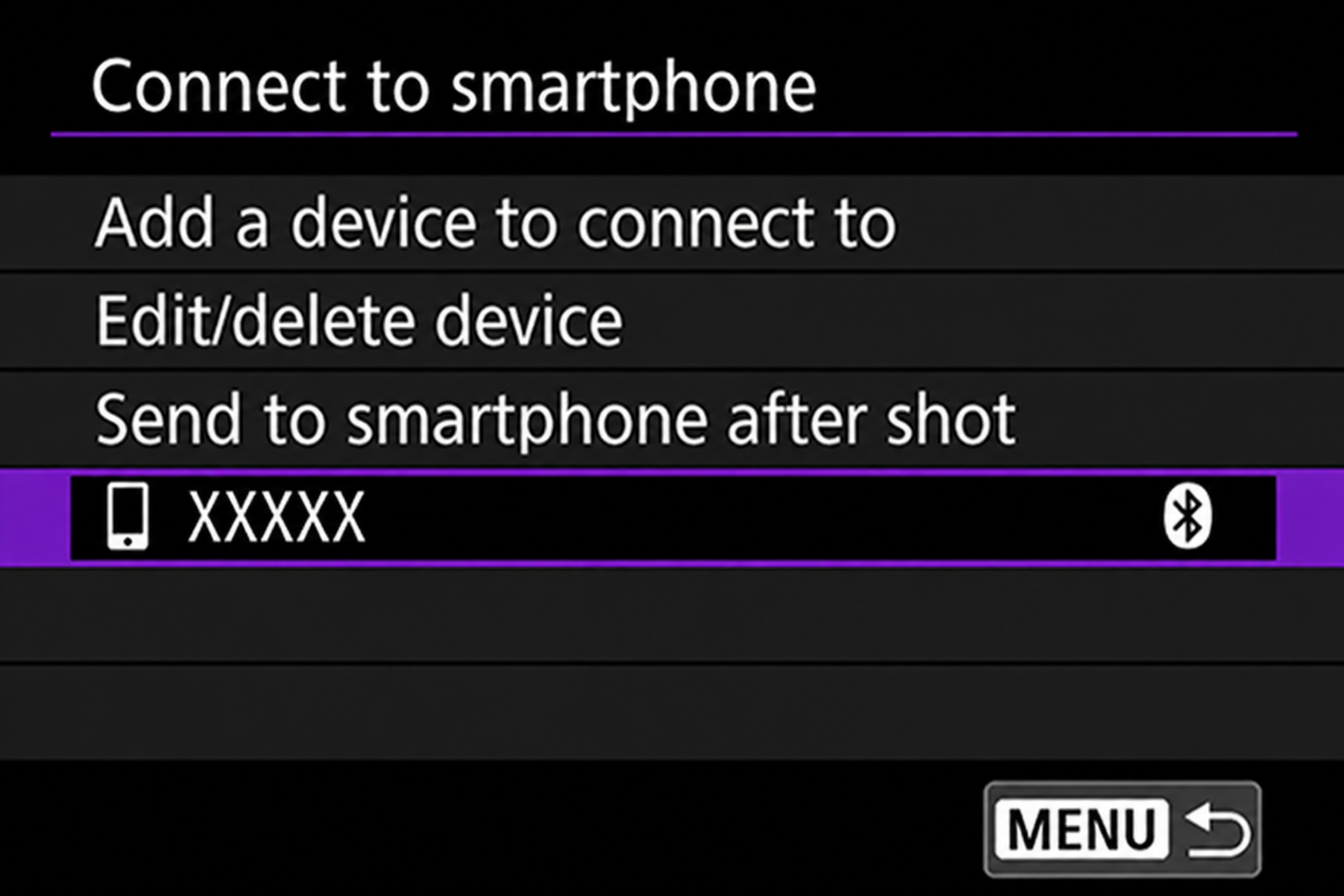
3) Select your phone in the Connect to smartphone menu.
4) The Waiting to connect page should show a spinning indicator. No password should be displayed.
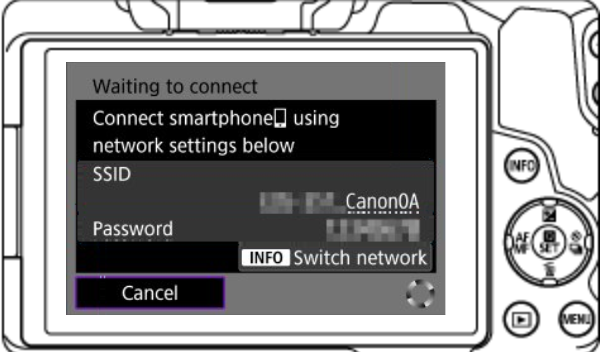
Device configuration
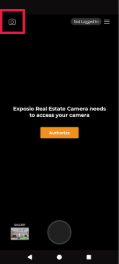
5) Open the Exposio app.

6) On the main page, click on the camera logo at the top left of the screen to access the camera page.
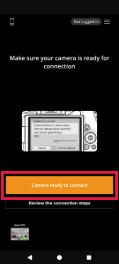
7) When you enter the camera page, select Camera ready to connect.
8) The Connect to device popup will appear. When you see the camera name appear, click it.
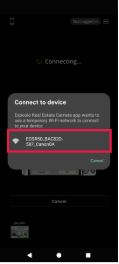
9) If you see this page, it means that the app is connecting to the camera. You will then see the camera preview appear.