Here are the first steps to start using your camera R50 with your Android phone using the usb cable.
1) Charge the battery before use. It is not fully charged at the time of purchase.
2) Once charged, insert the battery into the camera.
3) The cameras sold directly by Exposio already have a basic configuration. They are ready to be paired with your cell phone. If your camera comes from another location, please make sure you have these settings.
Device configuration
4) Open the Exposio app.

5) Open the menu on the upper right.
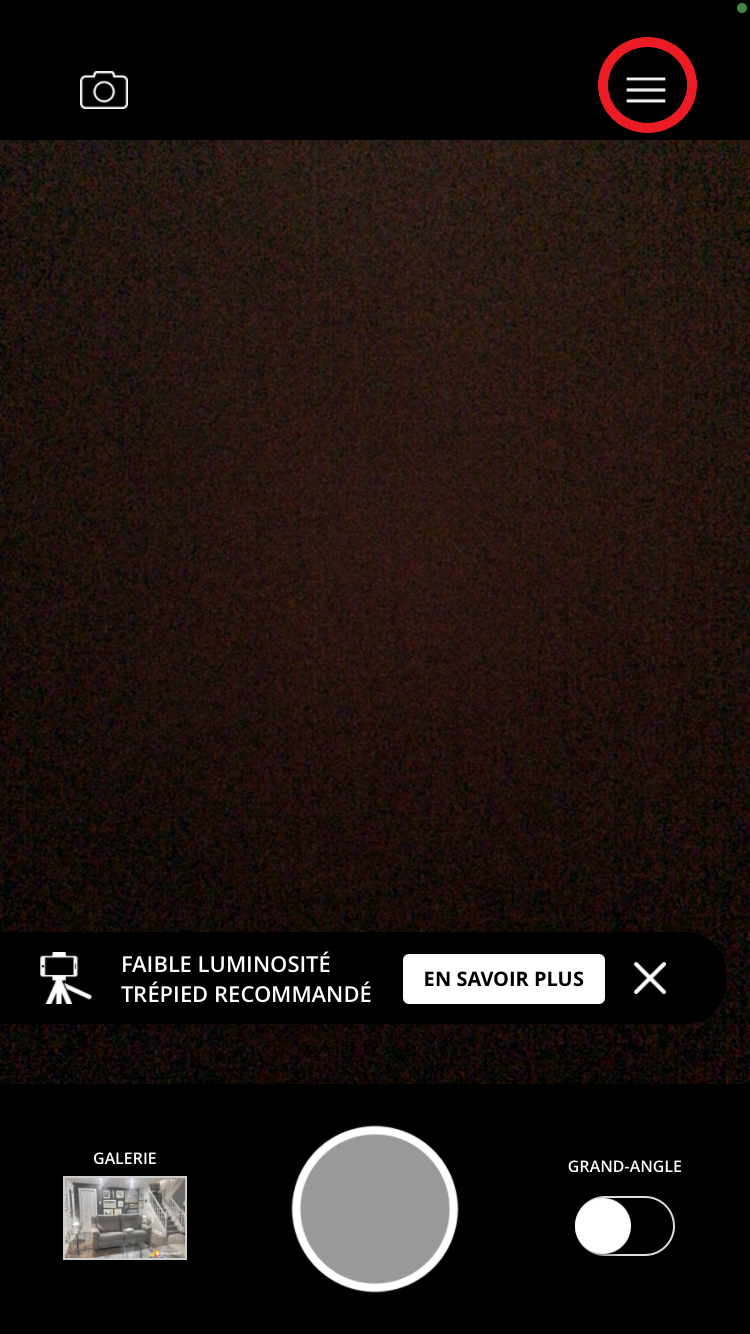
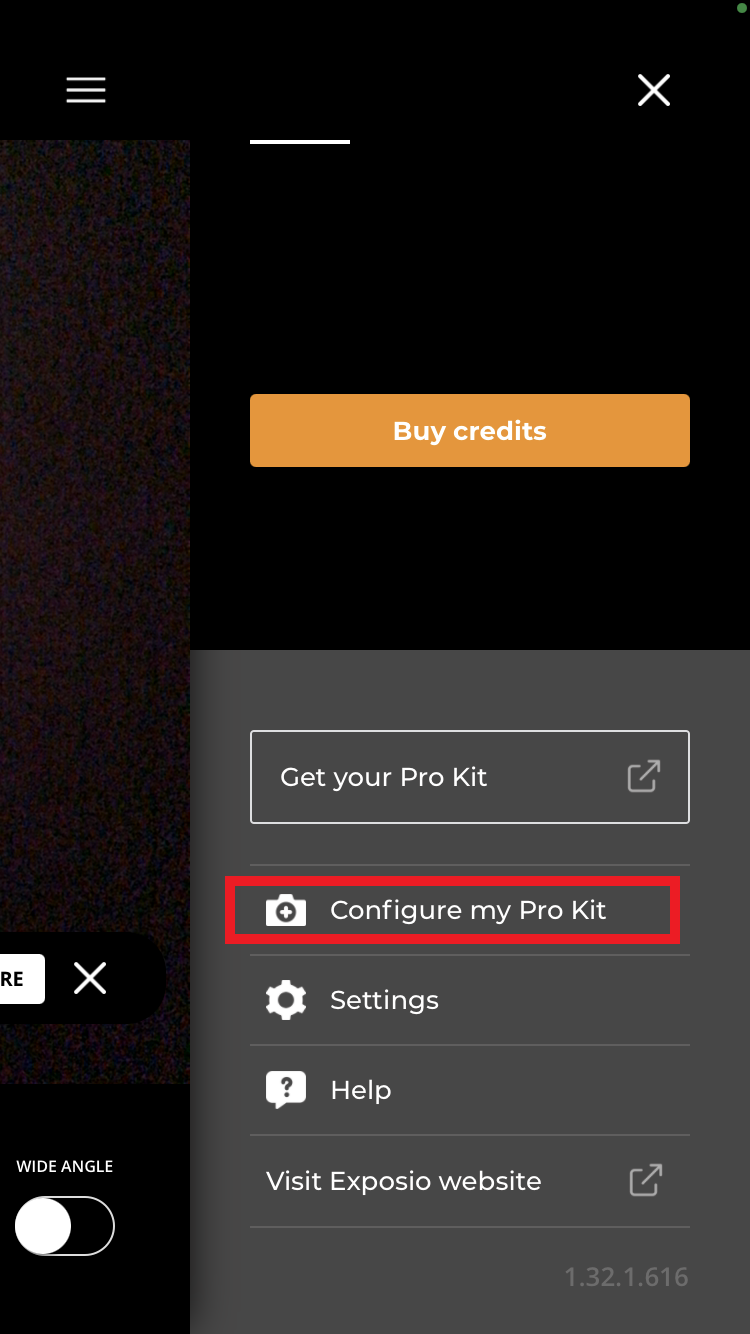
6) Select Configure my Pro Kit.
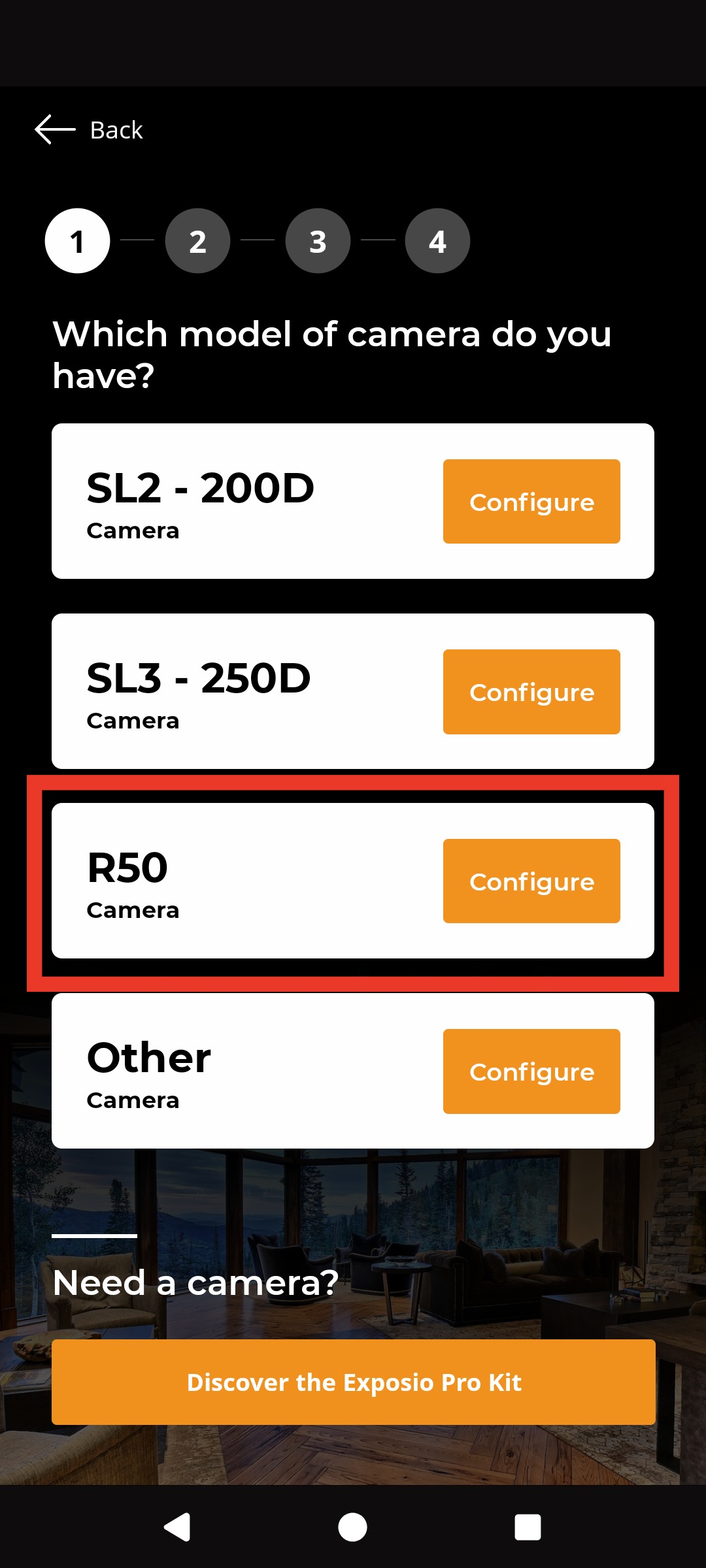
7) Select your R50 Camera.
8) Select USB.
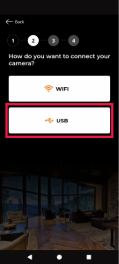
9) Click on Camera ready to connect.
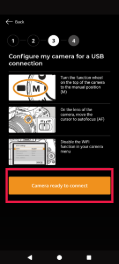
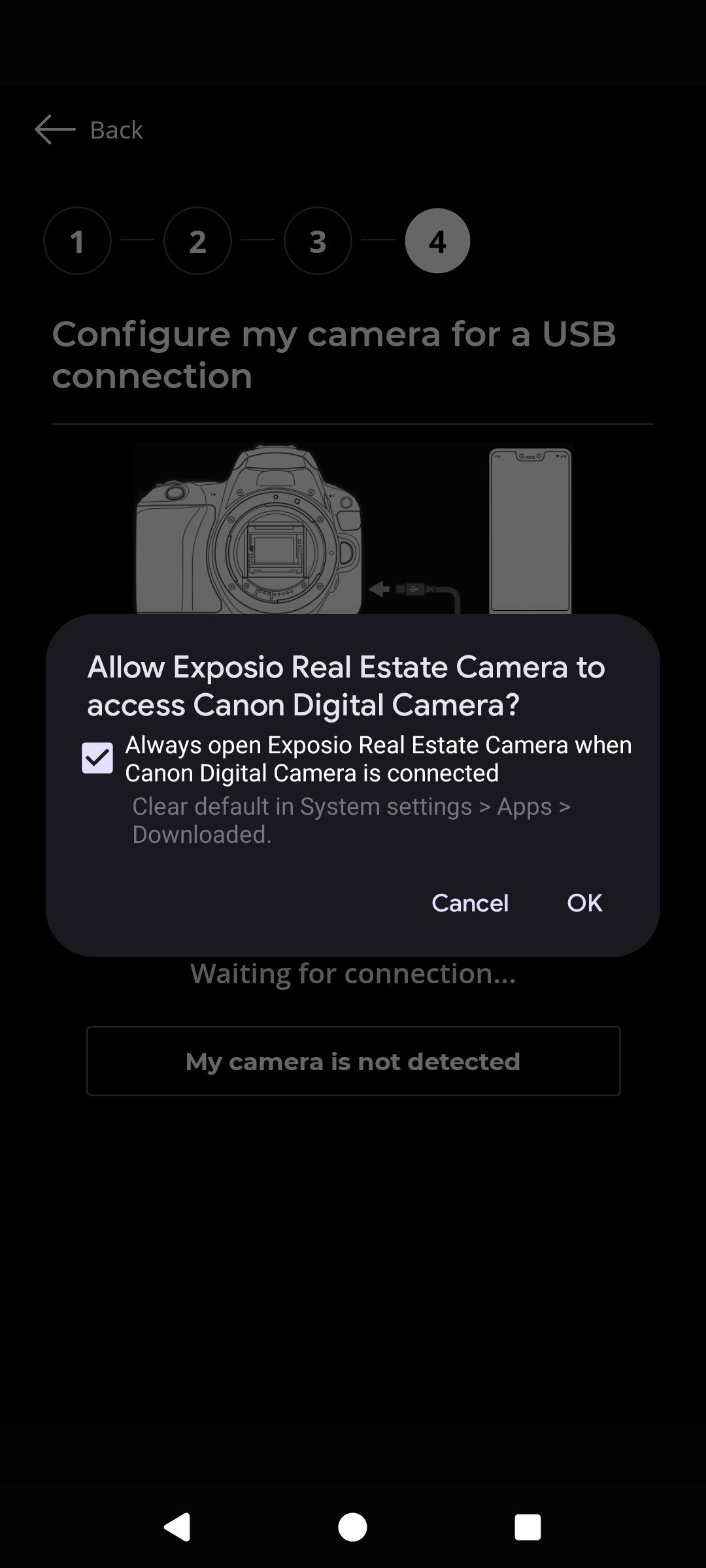
10) When you see the waiting for connection page, simply connect the usb-c cable in the camera and connect the other part to your phone.
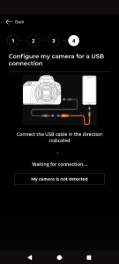
11) You will then see a connection popup appear. Click on the checkbox and click OK. You will then see the preview appear on your phone. You are now ready to take pictures!